The second org shows up before the identity design does
Most companies running more than one Salesforce org did not plan it. The second org arrives with an acquisition or a divested business line that kept its own audit boundary, and by then both orgs already have daily users. I have walked into that meeting more than once. The agenda said data model alignment. Nobody had written down which directory decides who gets in.
Single sign on hides the problem for about a year. One password, both orgs open, help desk volume drops, everyone calls identity solved. Underneath sit two authorization models built by two admin teams and an offboarding checklist that knows about only one org. The audit finding lands eighteen months later, nearly always the same one.
One directory has to be authoritative
The first decision is boring and gets skipped anyway. One identity provider is authoritative for human logins, and every Salesforce org in the estate authenticates against it. Not two providers with a federation agreement between them. One. The SAML assertion and the Federation ID on the User record both hang off that choice, and until somebody makes it in writing, each org's admin team makes it locally and differently.
On the engagement I keep coming back to, the parent ran Entra ID and the acquired company ran its own Okta tenant with 340 Salesforce users. The clean answer was Entra ID authoritative, Okta retired when the integration programme closed. Okta instead stayed authoritative for the acquired org's login domain for eighteen months, because migrating it meant reopening a quote to cash integration nobody wanted to touch in Q4. Nothing in the offboarding process changed to cover those eighteen months.
If you have to run two providers for a while, put the expiry date in the architecture decision record and give it an owner who gets asked about it by name. The discipline I would apply to an access exception with an owner and an end date applies to a whole trust relationship. A temporary second identity provider with no end date is a permanent one.
The same person, two permission models
Single sign on answers who somebody is. It says nothing about what they can do once inside, and that half almost never matches across orgs. An org live for six years carries profiles cloned from profiles and permission set groups bolted on during separate projects. Its role hierarchy still reflects a territory model that changed twice. The acquired org has its own version.
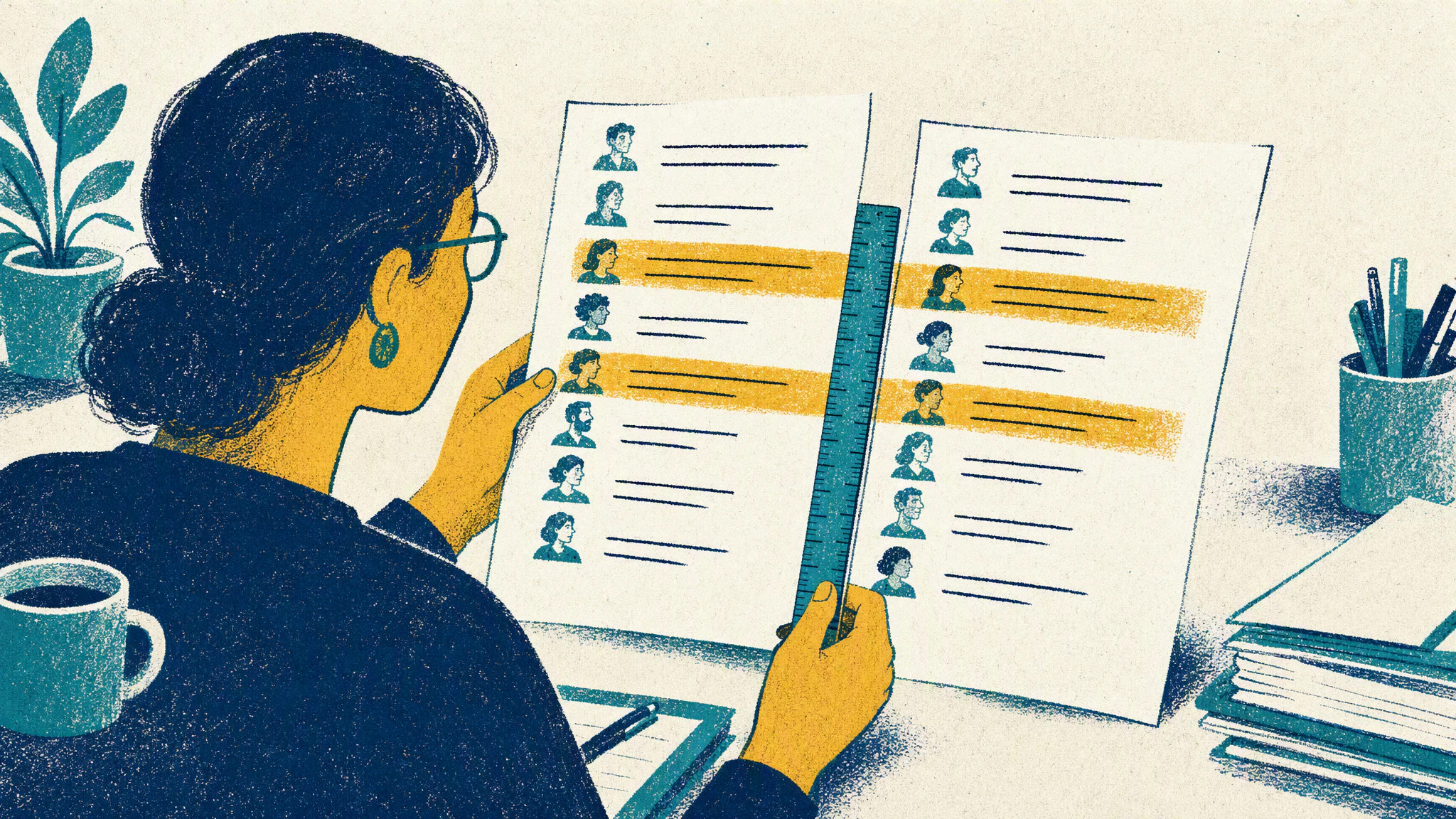
The mapping exercise I ran produced an uncomfortable result. A revenue operations analyst with read only access to opportunities in the parent org held View All Data in the acquired org, through a profile named Sales Ops Custom 2 cloned during a data cleanup in 2023 and never reviewed. Her job title was identical in both orgs. Her reach was not. Neither org had ever been asked the same question about her.
The temptation is to unify the permission models first. I would not start there. Make both orgs use the same naming for equivalent access and the same request path to get it, then let the models converge as projects touch them. The argument about whether to run one org at all gets settled by the business anyway. A shared request path counts for more in an audit than a matched profile list, and a governed access request process gives you most of it.
The logins that are not people at all
Every multi org estate I have reviewed holds more non human logins than expected. My last count across two orgs came to 12 integration users and 47 connected apps, and 9 of those apps held refresh tokens authorized under a named employee's account during a project rather than under a service identity. The middleware runs, and the whole interface depends on one person's user record staying active.
When that person leaves, two things can happen. The integration breaks at 2am, somebody reactivates the account to restore service, and a leaver's login is live again with a business reason to stay that way. Or it stays active on purpose, with a line in a runbook saying do not deactivate, and shows up in the quarterly access review under the name of someone who left.
Each interface should get its own named integration identity in each org, running under the API Only User permission rather than a cloned admin profile, authenticated by a JWT bearer flow with a certificate instead of a stored password. Give that certificate an owner who gets the renewal ticket before it expires. A login you cannot trace back to an interface is a login you cannot safely switch off, the argument behind small, explicit integration contracts.
Six weeks after the last day
A solutions consultant at the acquired business resigned in March and worked a four week notice. HR closed her record on the final Friday, the Entra ID account went dark that evening, and the nightly sync deactivated her user in the parent org over the weekend. Every line on the offboarding checklist was ticketed and closed on time.
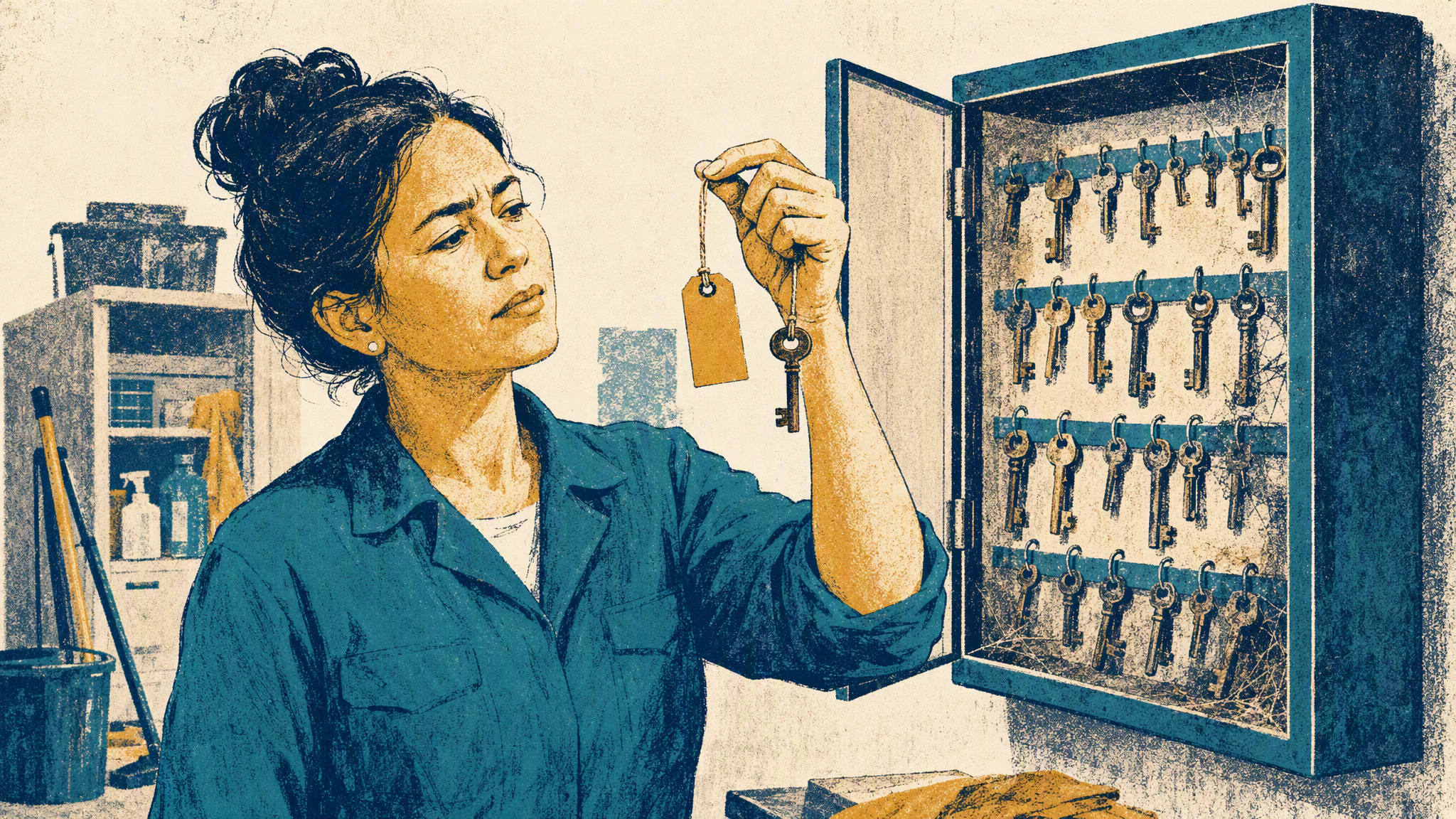
Her access to the acquired org stayed live until the middle of May. That org still authenticated against the old Okta tenant on its own login domain, and the deprovisioning automation had never been given credentials there. The checklist named systems that existed before the deal closed, and updating it was nobody's task, which is the drift that shows up wherever automation owners lose the thread.
It surfaced during a control test, when the auditor sampled 25 leavers from the previous twelve months and checked login history in every org, not only the one on the system inventory. Two still had active user records in the acquired org after their termination date. One had logged in twice from a personal laptop to pull a report she built and wanted for her portfolio. Whether she meant harm was never the question being tested.
A disabled account can still hold a live session
What catches experienced teams is that disabling an account in the directory does not end access that already exists. The SAML assertion gets checked at login. After that the Salesforce session runs until it times out, and plenty of orgs run the longest timeout available because a sales team complained about mid call logouts. Disable the directory account at six in the evening and someone with an open tab can still be working at ten.
OAuth has the longer tail. A refresh token issued to a connected app keeps minting access tokens for as long as the Salesforce user record stays active, and it does not consult the directory on every refresh. Someone who authorized a mobile client months ago keeps pulling records through the API after their corporate account is switched off. The Connected Apps OAuth Usage page in Setup lists which users hold tokens for which app, with a revoke action on every row. Hardly anyone opens it during offboarding.
A deprovisioning step that works carries more than a directory change. Deactivate the user record in every org, named org by named org. Revoke that user's OAuth tokens in each of them. End open sessions rather than waiting out the timeout. If your leaver automation only calls the directory, it does the first of those and none of the rest.
Next time you sit in an access review, ask for login history from the org that is missing from the system inventory. Then ask who holds credentials to deactivate a user there, and whether that person is named in the offboarding process or simply knows how. If assembling that answer takes more than a minute, you have found your own gap ahead of whoever audits you next.