Find the work that stopped before you read the error
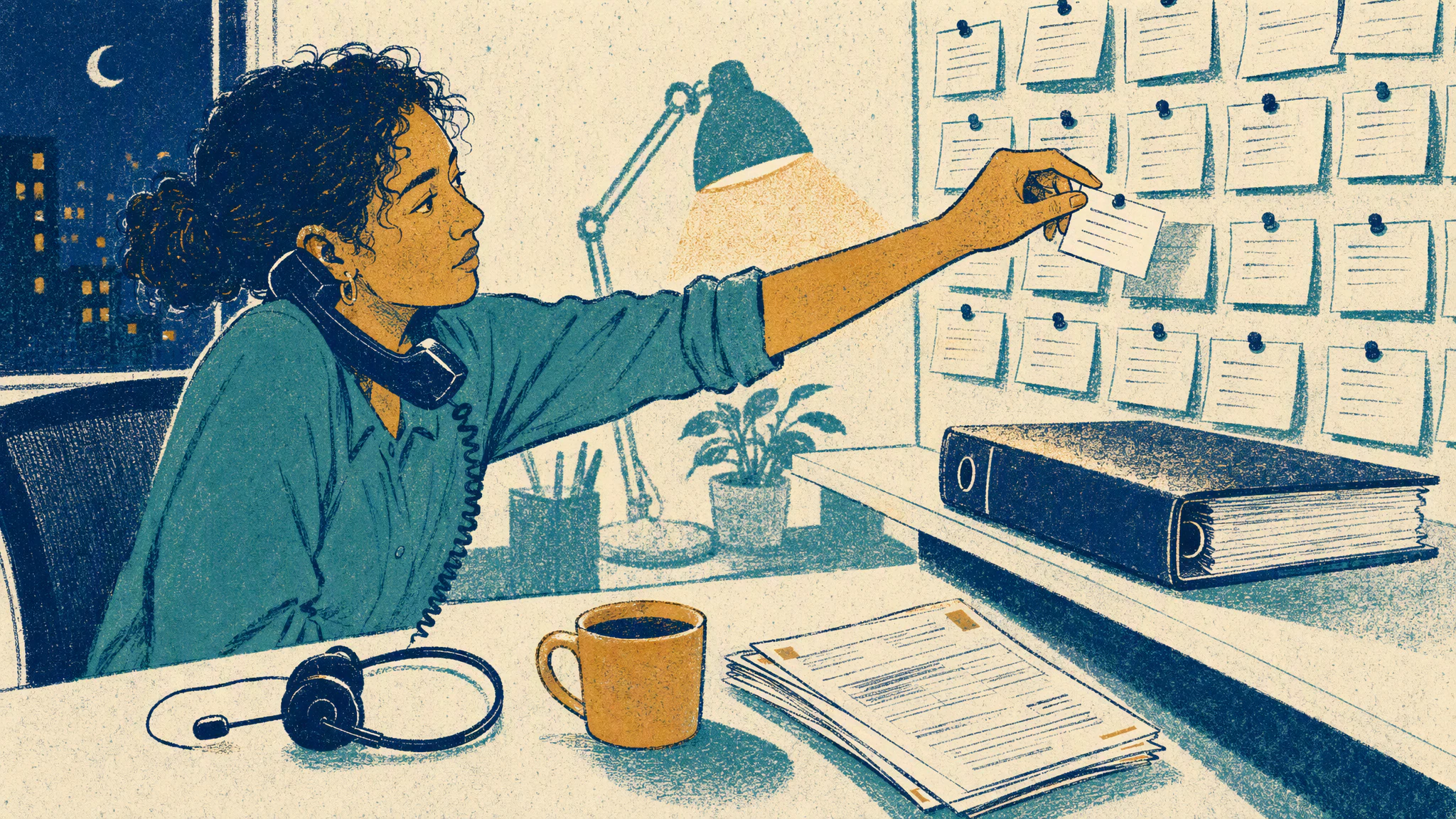
The alert arrives at 07:12. A cloud flow that releases approved purchase orders into the ERP has failed on every run since 03:00, and the connection it uses has expired. The reflex is to open run history and read the error. I have sat on calls where three capable people did that for twenty minutes while the warehouse turned away a delivery whose purchase order had never been released.
The first thirty minutes decide what kind of event you are running. Spend them on the error and you are running a debugging session with an audience. Spend them on the work at risk and you are running an incident. The error will still be there at minute thirty-one. The delivery driver will not.
The first question on the call is never about the flow. It is about who was waiting on its output this morning and what happens to them if it stays down until lunch. Purchase orders feed receiving, receiving feeds production, and production has a shift starting at 08:00. Somebody needs to say those words before anyone says the word connector.
Decide whether to pause the flow, and who is allowed to
Three answers, before anyone touches the flow. Which team is waiting on it right now. Whether their work can be done by hand until it is back. Who has the authority to switch it off, and whether switching it off would help or hurt.
The manual path is usually older than the flow. Before the flow existed, a buyer released orders from a screen in the ERP, and that buyer is probably still there. If the manual path exists, the incident becomes a capacity problem for one team rather than a stalled supply chain. Tell receiving to expect a slow morning instead of a lost one, and tell the buyer that the flow may try to release the same orders again later.
Sometimes the right move is to turn the flow off immediately. I reviewed a scheduled flow that picked up every SharePoint row marked ready, created a ServiceNow request for each one, and then set the row to done. The final step broke after a column rename. Every fifteen minutes the flow found the same rows, created the same requests, and failed on the update. Every run showed red, and every run had already created its records first. The service desk had a hundred and forty duplicate requests before anyone looked at the queue.
Get the name of whoever can switch off a shared Power Automate flow said out loud on the call. Too often the answer is the flow owner, the flow owner is a service account, and the person who knew its password left in the spring. Where automation ownership breaks down is about that gap. An incident is the worst time to find it.
Name one incident lead who does not touch the fix
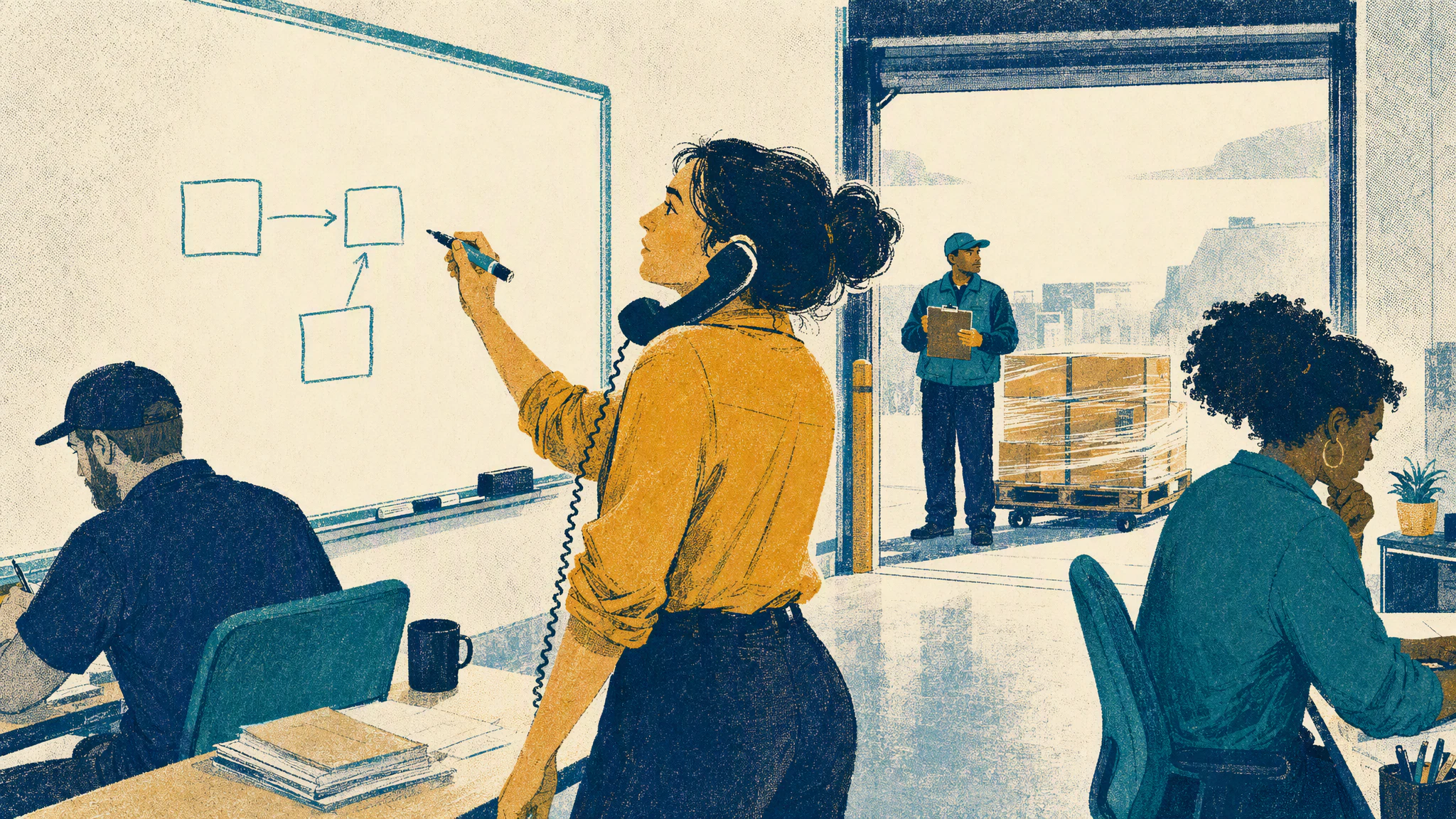
By minute ten there is one incident lead, and if nobody has claimed it, the person who noticed first says so. The lead fixes nothing. The lead knows at any moment who is checking what, what they found, and when the next update goes out.
Give each specialist a separate signal. One person checks the connection and the service account behind it, including whether a password rotation ran overnight. Another calls the ERP endpoint from outside Power Automate, because a 401 from the connector and a 401 from the target look identical in run history. A third reads the Power Platform service health page and the ServiceNow change calendar for anything after the last good run. Only the lead writes to the incident record.
What I say on that first call is short. Who is leading this. If the line goes quiet, I am, until someone from the platform team takes it. Receiving, what is your deadline today and what do you need from us to meet it by hand. Everyone else, tell me what you are checking before you go and check it. That takes under three minutes.
Write the ServiceNow incident for the people who are not on the call
The ServiceNow incident exists for the people who are not on the call. The short description says what business work has stopped, in the words the affected team would use, so the service desk lead and the supply chain director both understand it on sight. I have seen a stalled receiving dock logged as a priority four and routed to the wrong group because the short description said a connector had timed out.
Work notes carry the technical trail, one time-stamped entry per thing tried. Additional comments carry what the affected team will read, including the manual path and the time of the next update. Set that time even when there is nothing new, because people read a silent record as an abandoned one. If the impact is wide, propose a major incident now rather than after the shift has been lost.
If the flow had been recorded in the service catalog with a support group and a business owner, half of this would already be on the record. Most shared flows never were, so the lead asks at 07:20 instead of reading the answer off the page. What a service catalog should tell the support team covers what belongs there. Until then, the record needs these lines before the first update.
- The business work that has stopped, in the words the affected team would use.
- Who is waiting on it and the next deadline they face today.
- The manual path, or a plain statement that there is none.
- The incident lead by name and the time of the next update.
- The last successful run and every platform change since it.
- What has been tried, by whom, at what time, and what it showed.
- The next decision that needs an owner.
Make one change at a time and say so first
The most expensive twenty minutes I have watched were three people fixing the same flow. One re-authenticated the connection. One resubmitted the failed runs, all forty-one of them. One switched the flow off, without knowing the other two were working. The buyer had released fifteen orders by hand by then, so the ERP ended the morning with fifteen purchase orders released twice, and the incident about the duplicates opened as the incident about the connection closed.
One change at a time, announced in the work notes before it is made, by a named person. Resubmitting a run is a change. Before anyone resubmits anything, the lead needs to know whether the downstream action can safely run twice. A flow that creates records without a durable business key cannot, and then the failed runs are a list of work to reconcile by hand. Someone on the business side owns each record on that list until it is resolved, because the queue cannot be that owner.
Leave notes the next shift can act on
Thirty minutes in, the incident may be about to change hands. The handover note starts from the last known good state, with a time, and lists every platform change since then, including the password rotation scheduled for 03:00 that nobody mentioned on the call. It ends with the next decision that needs an owner, stated as a decision. Resubmit the failed runs, or hand the list to the buyer to reconcile.
The test of a handover is whether the next person can continue without ringing the last one. I have the note written in the work notes before the outgoing lead drops off. If it says the connection was fixed but not whether the flow is on or off, the next shift spends its first ten minutes finding out, and it may find out by turning it on.
Before the next alert, pick one shared flow that a team with a deadline depends on and write three things next to it. Who can pause it. What the manual path is. Who gets paged when it fails. The release checklist for shared solutions has a place for all three. Then take one question into your next platform review. For that flow, who is allowed to switch it off at 03:00, and do they know it?